SARS filing season 2026 dates and deadlines
When returns close for non-provisional and provisional taxpayers, and what to have ready before 23 October.
Scan IRP5s, medical aid certificates and receipts with your phone. TaxScanZA exports PDFs under 5MB at 300 DPI, checked for the problems that stop a SARS eFiling upload.
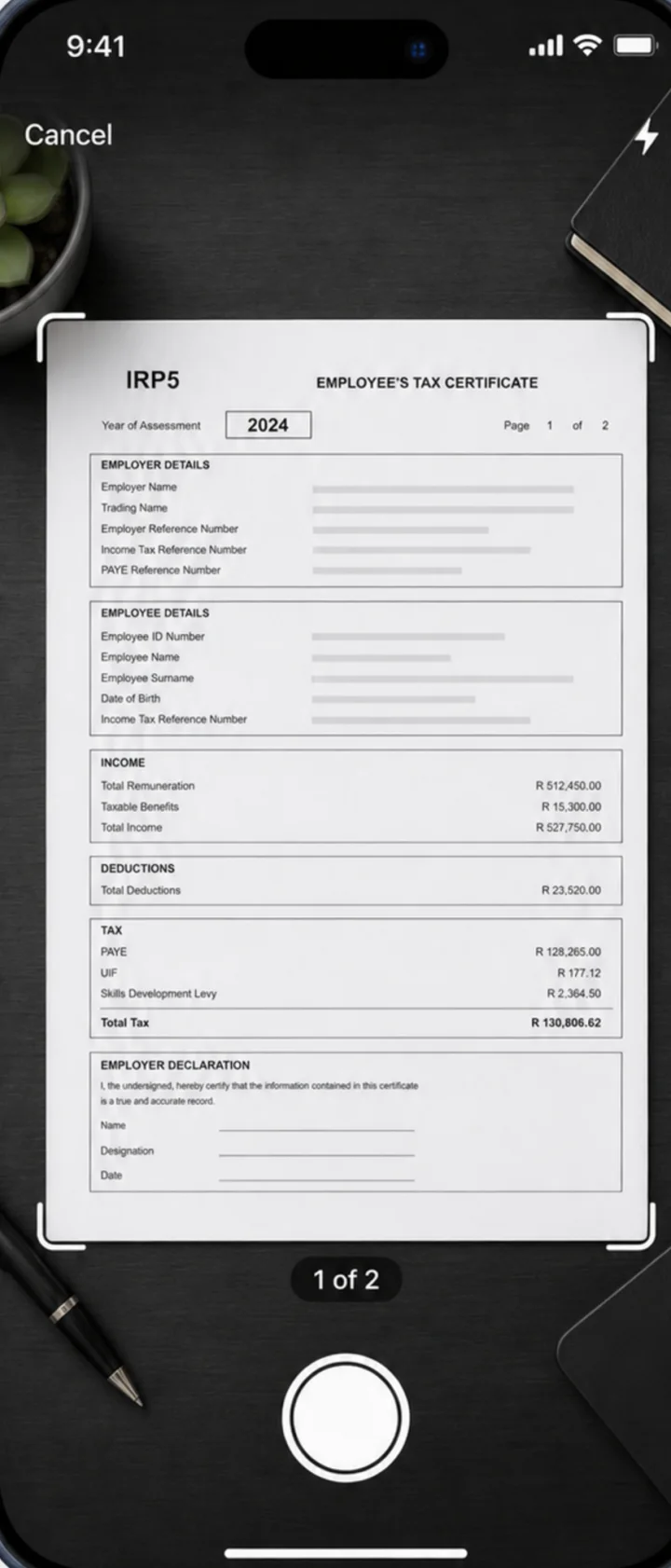
No settings to tune. TaxScanZA knows the SARS upload rules, so all you do is point your camera.
Photograph an IRP5, medical aid certificate or receipt. The page edges are detected, then the scan is flattened and cropped.
Each document is saved as a PDF under 5MB at 300 DPI with a clean filename. You see the compliance result before you export.
Send it to eFiling, email, Files or your accountant. One document at a time, or the whole tax year in one share.
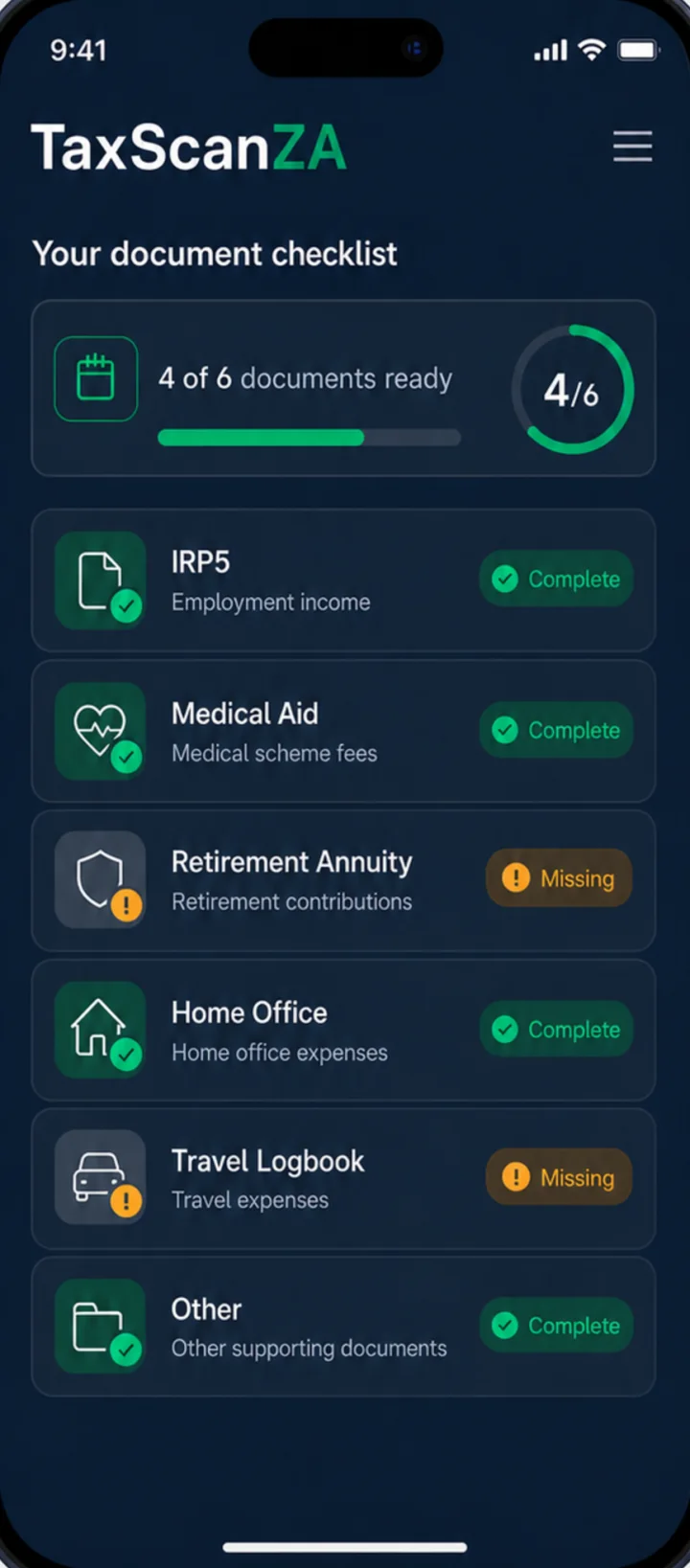
Choose the income types that apply to you. TaxScanZA builds a checklist of the supporting documents SARS expects and shows what is still missing.
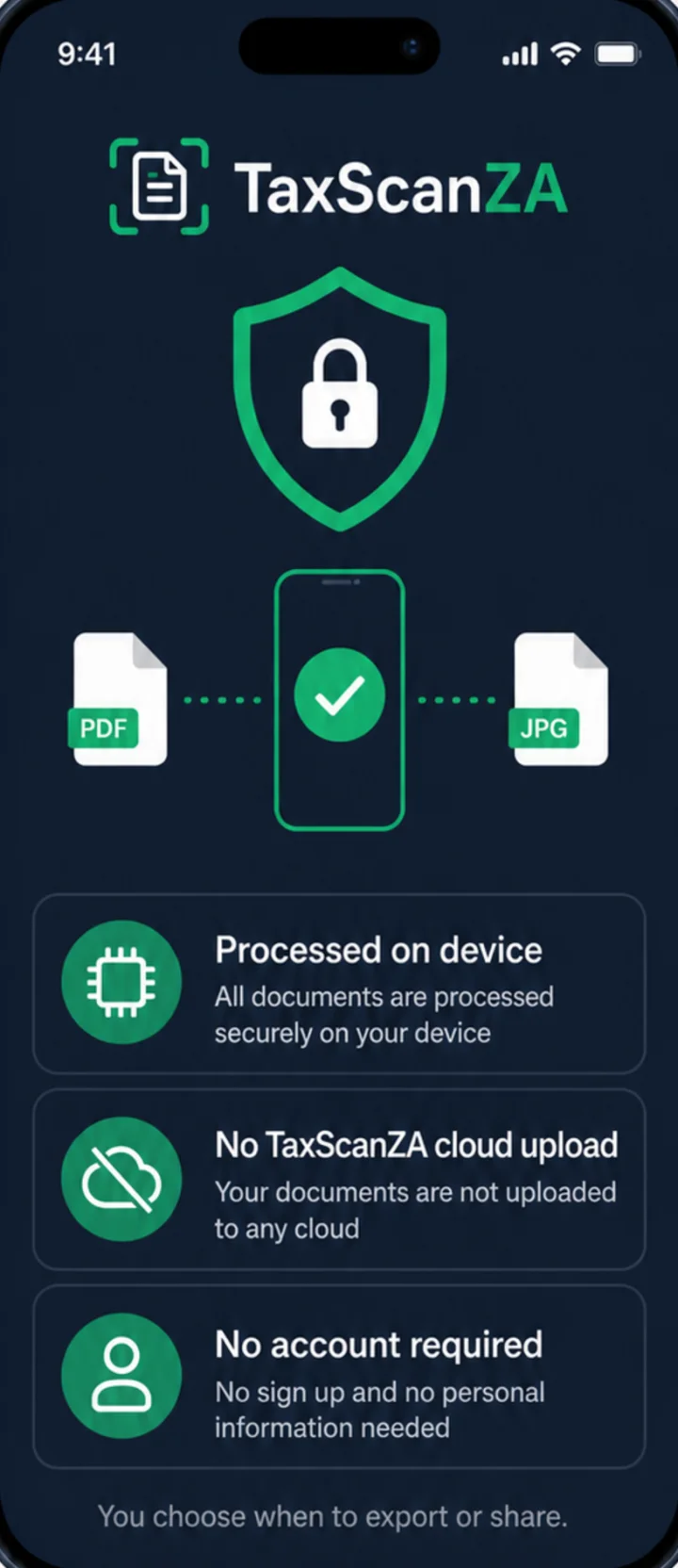
IRP5s, bank statements and medical certificates carry ID numbers, income and health details. TaxScanZA scans and prepares them on your device.
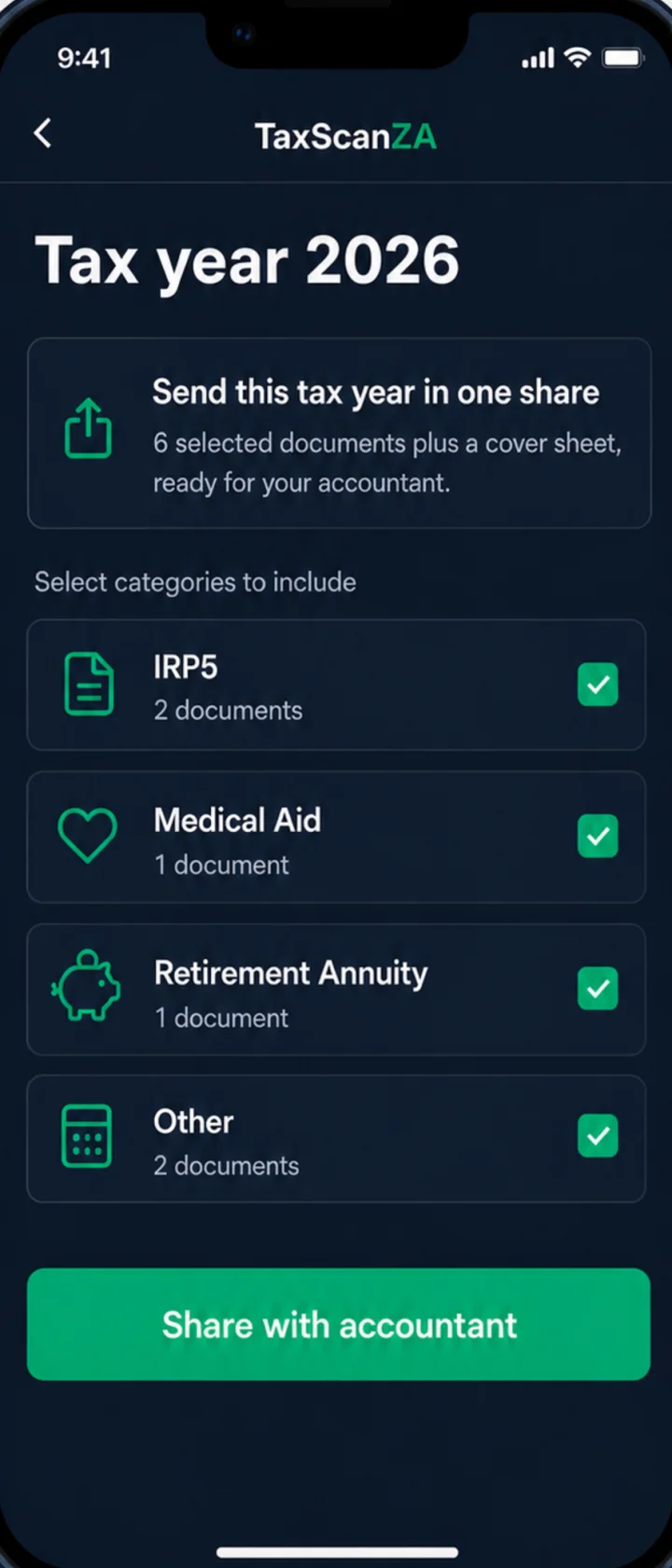
Pick the categories to include. TaxScanZA packages the documents with a cover sheet, ready for your tax practitioner.
The SARS Document Compliance Checker runs in your browser. It checks size, format, resolution, filename characters and encrypted PDF markers across your whole submission. Nothing is uploaded.
Plain-language guides to the documents SARS asks for, and how to prepare them so eFiling takes them the first time you try.
When returns close for non-provisional and provisional taxpayers, and what to have ready before 23 October.
Files over 5MB, encrypted PDFs, unsupported formats and filenames eFiling will not accept, and how to fix each one.
Prepare your medical aid tax certificate so it passes the file size, filename and encrypted PDF checks.
No subscription, no ads and no watermark on your documents.
Try the scanner on your real tax documents.
Everything you need for this filing season and the next.
Pro is an in-app purchase through the App Store or Google Play.
Each supporting document must be under 5MB, and one submission can include up to 20 documents. Password-protected PDFs and filenames with special characters can also stop an upload. TaxScanZA prepares every export as a PDF under 5MB at 300 DPI with a clean filename. See what to do when a SARS file is too large.
No. TaxScanZA is independent and is not affiliated with, endorsed by, or representing SARS or any government entity.
No. TaxScanZA prepares documents for upload. You still submit your return and supporting documents through SARS eFiling or the SARS MobiApp.
IRP5 and IT3(a) certificates, medical aid tax certificates, retirement annuity certificates, Section 18A donation receipts, travel logbook pages, home office records and other SARS supporting documents. The supporting documents checklist covers the common categories.
No. Scanning and document preparation happen on your phone. There is no account and no TaxScanZA cloud upload. Documents leave the app only when you choose to export or share them.
You can scan and store up to 5 documents free. Pro is a one-time R49 purchase that unlocks unlimited documents and export. There is no subscription, no ads and no watermark.
Have this year's supporting documents SARS-ready tonight. Free for your first five.