Tax documents that are ready for SARS eFiling.
Scan IRP5s, medical certificates, receipts and supporting documents. TaxScanZA prepares a readable PDF under 5MB and checks it before you upload.


- Free for 5 documents
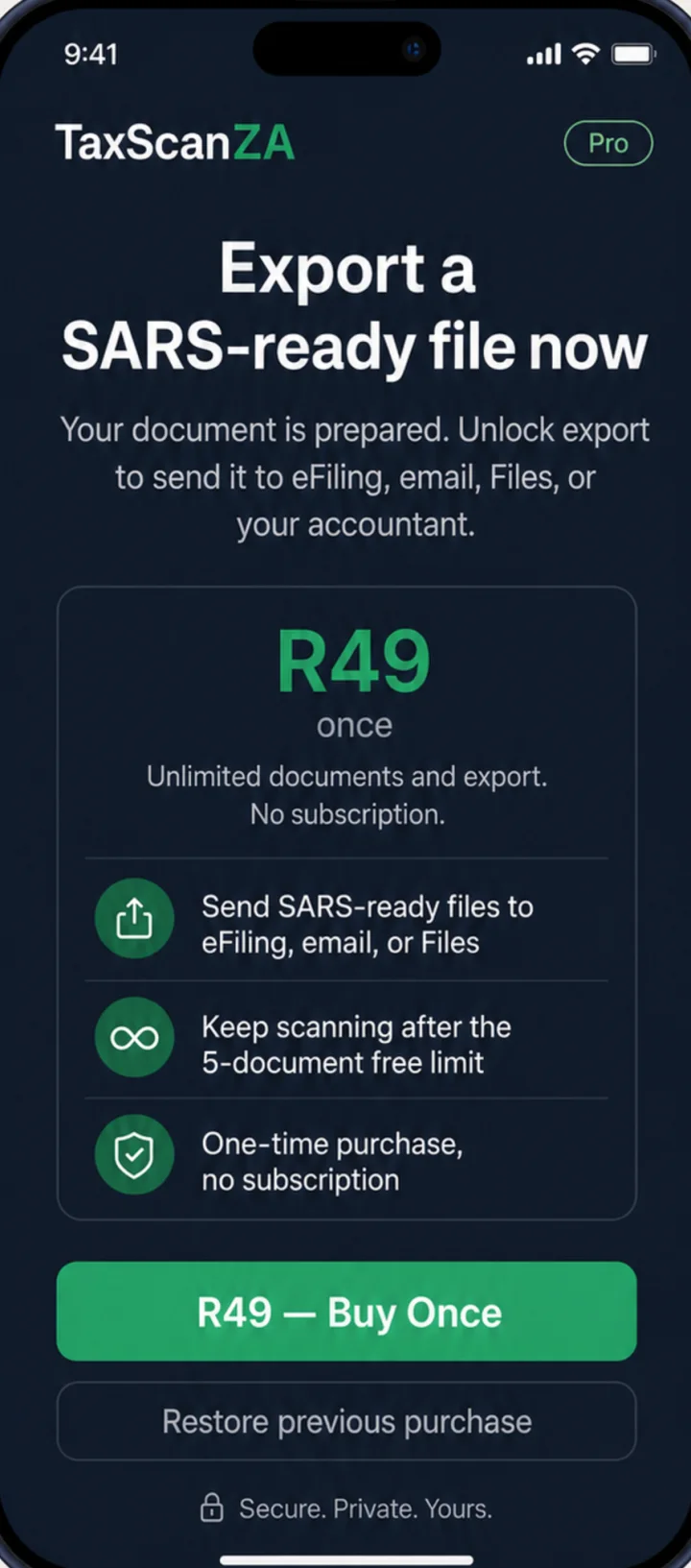
- R49 once for Pro
- No subscription
Scan. Validate. Export.
-
01
Scan
Use your phone camera for tax documents. Edges are detected and the page is cropped flat.
-
02
Validate
Check the common eFiling upload blockers: file size, resolution, format, filename and encryption.
-
03
Export
Send the prepared PDF to Files, email or AirDrop, or share the whole tax year with your accountant.
Every step, from scan to eFiling.
-
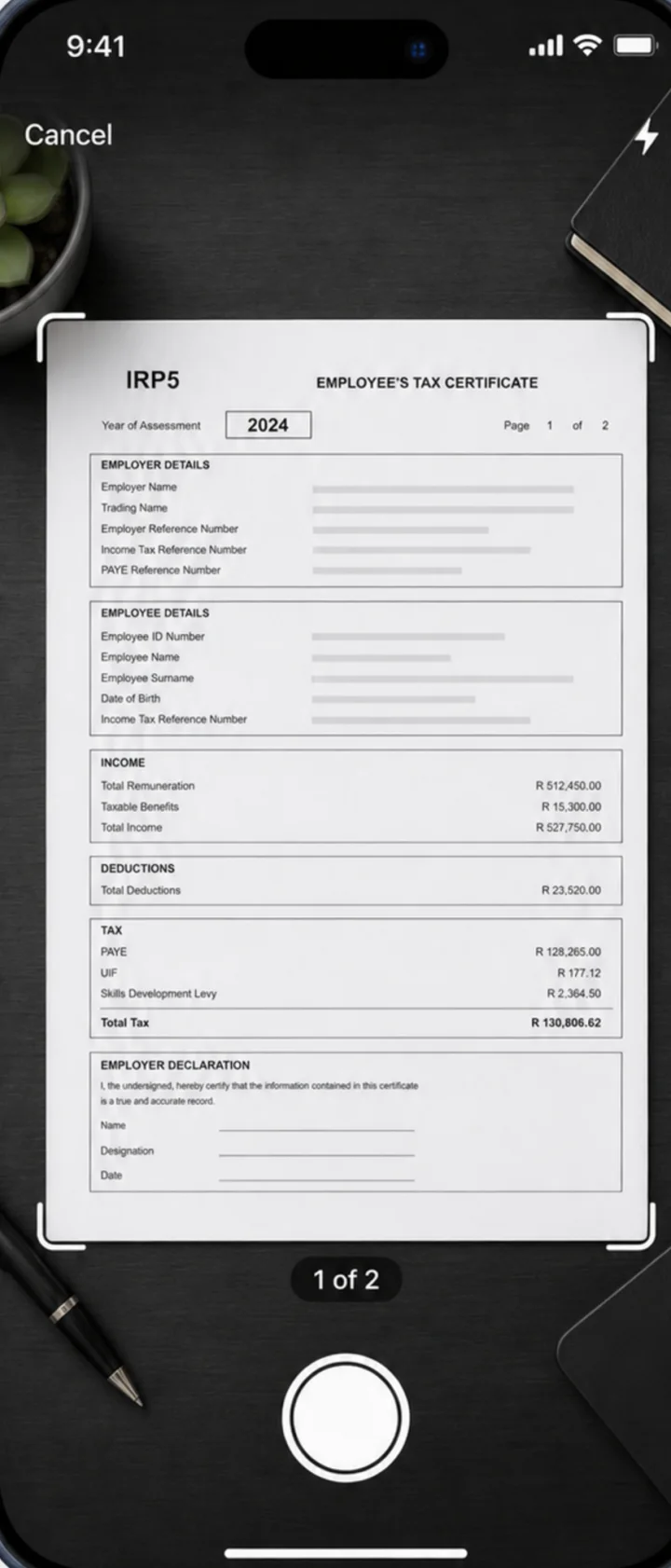
Scan any tax documentAutomatic crop. Clear, readable output. -
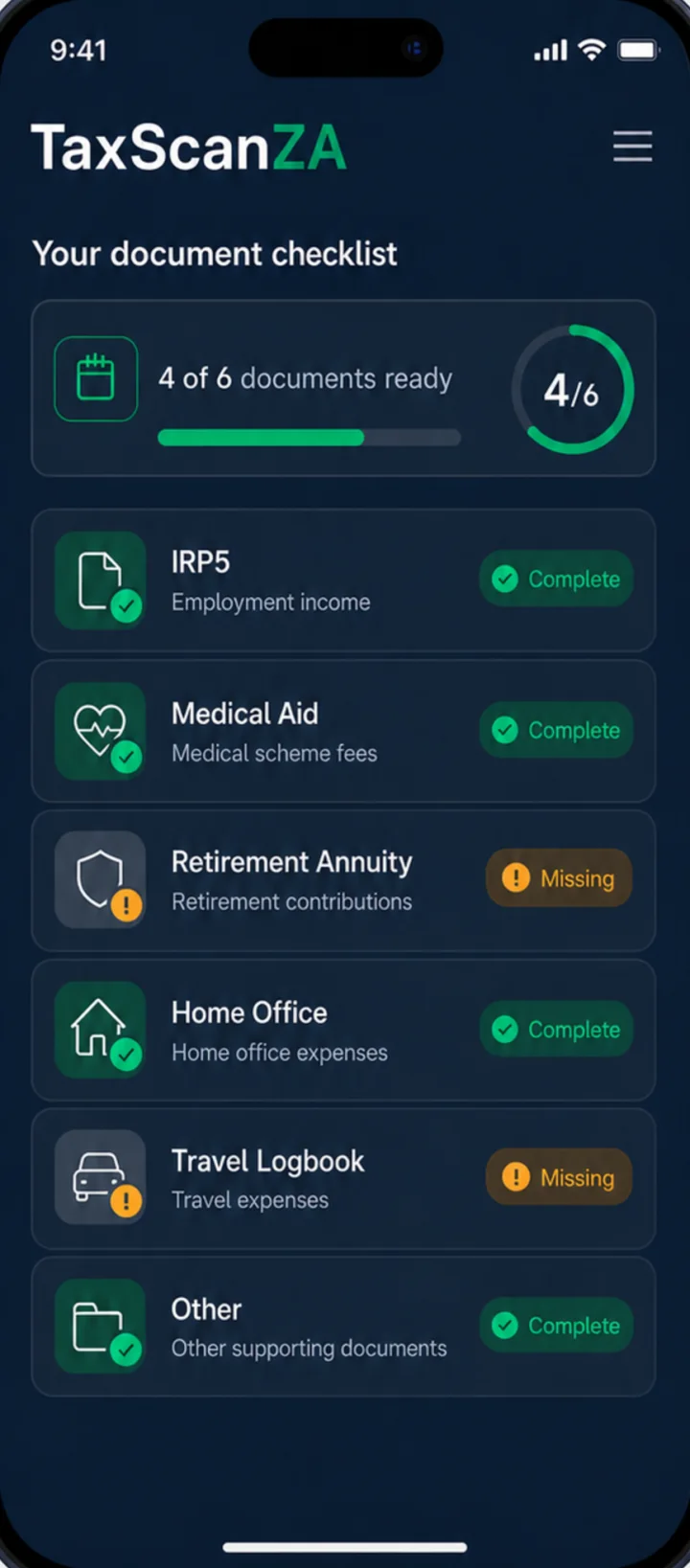
Know what you still needA checklist based on your income. -
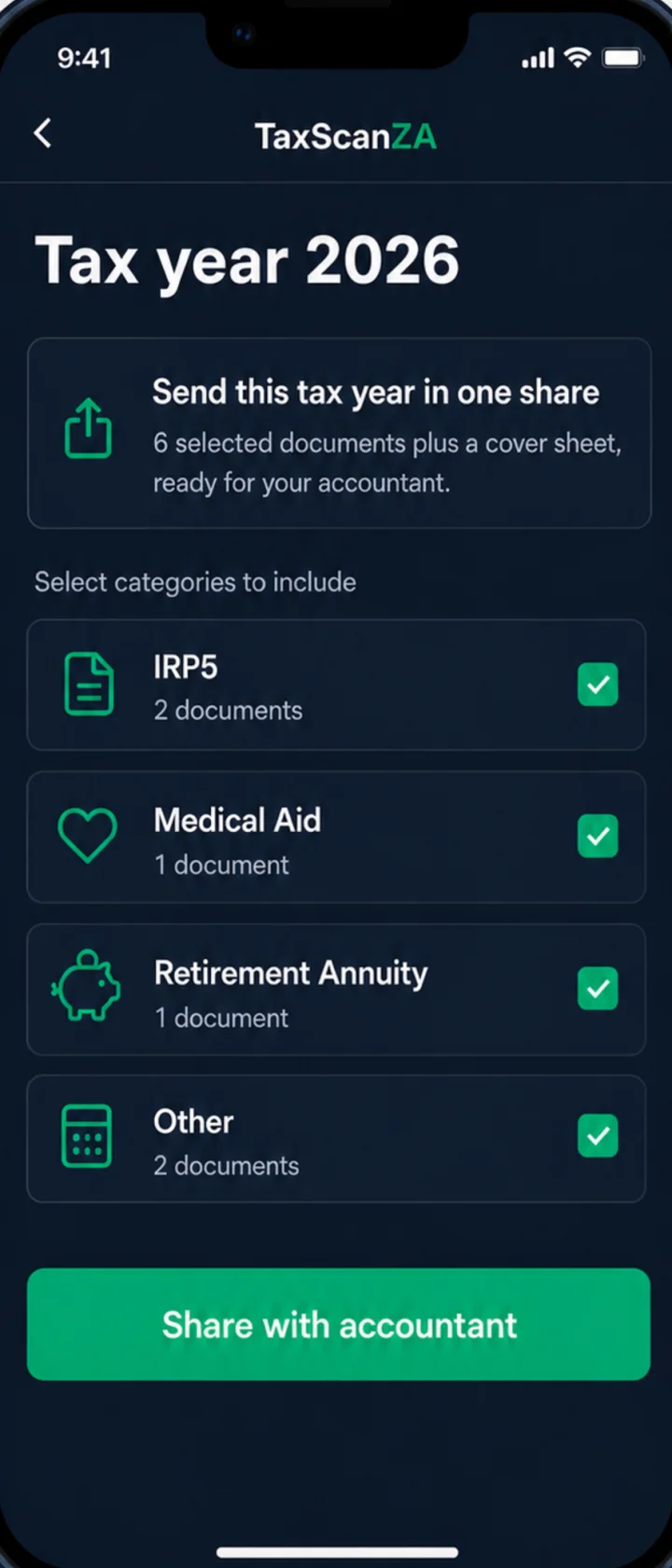
Share a whole tax yearOne organised package for your accountant. -
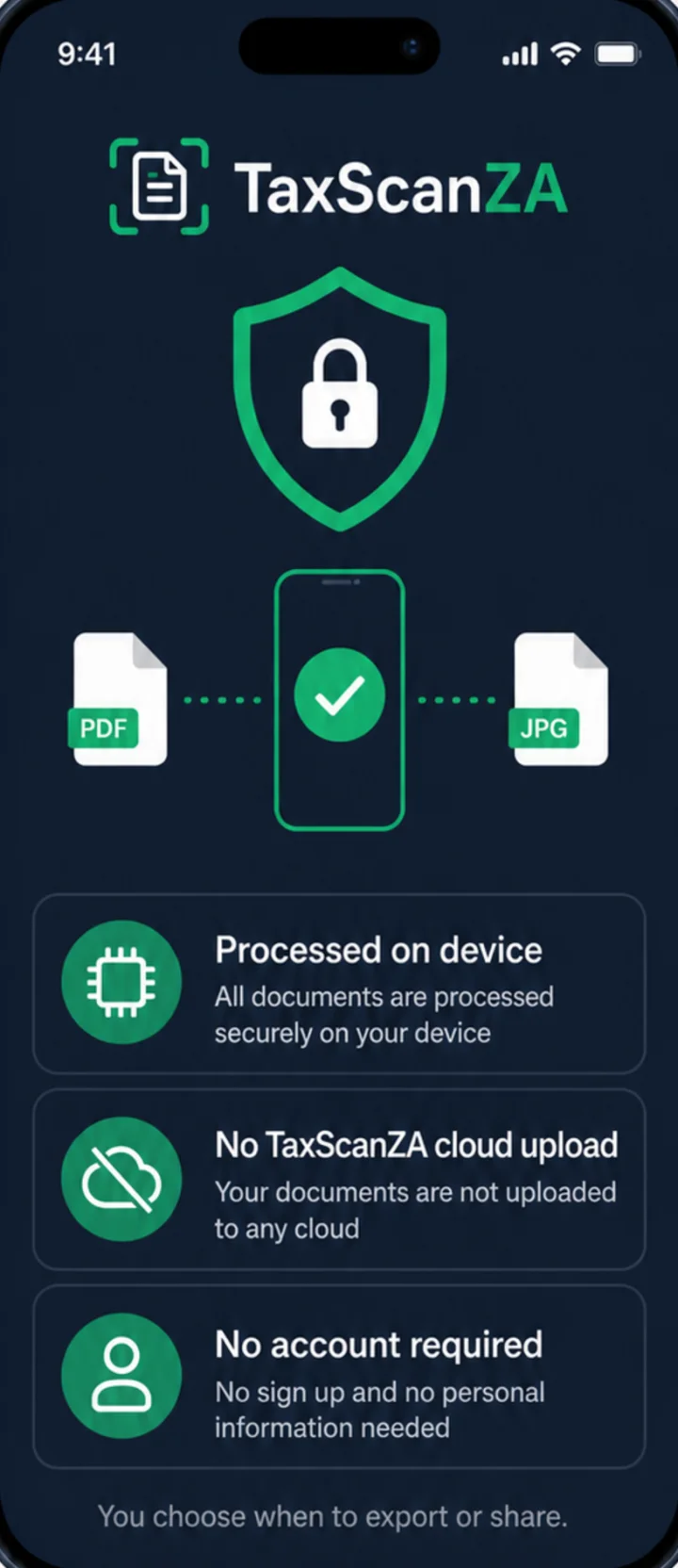
Stored on your phoneNo TaxScanZA cloud upload. -
Ready when you need to fileR49 once. No subscription.
Your documents stay on your phone.
Wrong size, wrong format, poor scan quality, unsupported filenames and password-protected PDFs can all stop a SARS eFiling upload. TaxScanZA handles that document-prep step on device, before you try again.
- Processed on device IRP5s, certificates and bank statements carry ID numbers, income and medical details. They are scanned and prepared on your phone.
- No cloud processing Your documents are never uploaded to TaxScanZA. They leave the app only when you export or share them.
- No account No sign-up, no email address and no password to remember.
The website collects anonymous page, campaign, checker-result and store-click analytics. File names and document contents are never included. See the privacy policy.
Free to try. R49 once for Pro.
Start with 5 documents. Upgrade once when you need unlimited documents and export.
Scan and store up to 5 documents.
- Up to 5 documents
- Optimised to SARS upload specs
- Personal document checklist
- Export and share
Unlimited documents and export.
- Unlimited documents
- Export to eFiling, email or Files
- Share a whole tax year with your accountant
- No subscription, no ads, no watermark
Before you download
Is TaxScanZA affiliated with SARS?
No. TaxScanZA is independent and is not affiliated with, endorsed by, or representing SARS or any government entity.
Does TaxScanZA submit my tax return?
No. It prepares documents for upload. You still submit your return and supporting documents through SARS eFiling.
Which documents can I scan?
Use it for IRP5s, medical aid certificates, retirement annuity certificates, Section 18A donation receipts, travel logbook documents, home office records and other supporting documents.
Does scanning need internet access?
No. Scanning and document preparation happen on device. You can export when you are ready.
What do I get with Pro?
Pro is a one-time R49 in-app purchase. It unlocks unlimited documents, export to eFiling, email or Files, and sharing a whole tax year with your accountant. There is no subscription.